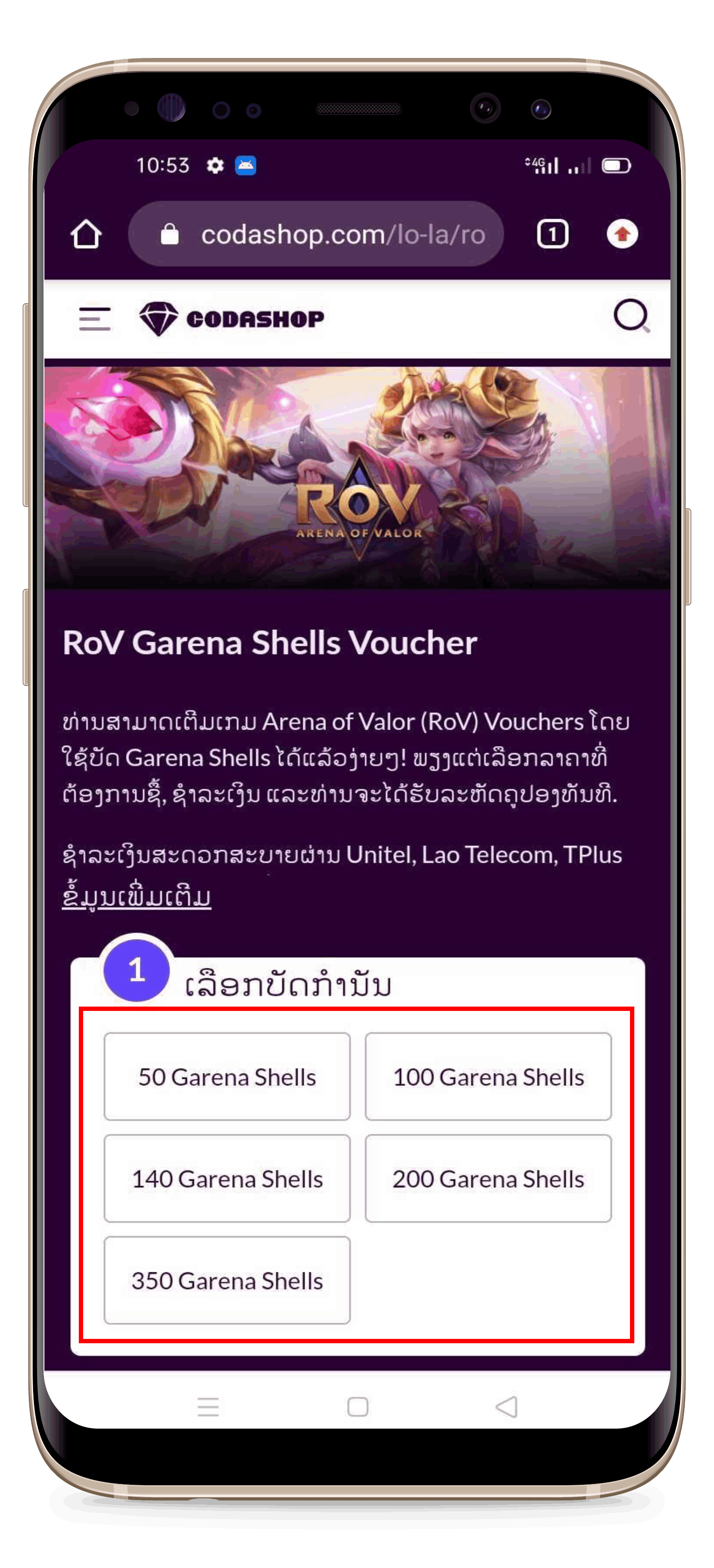
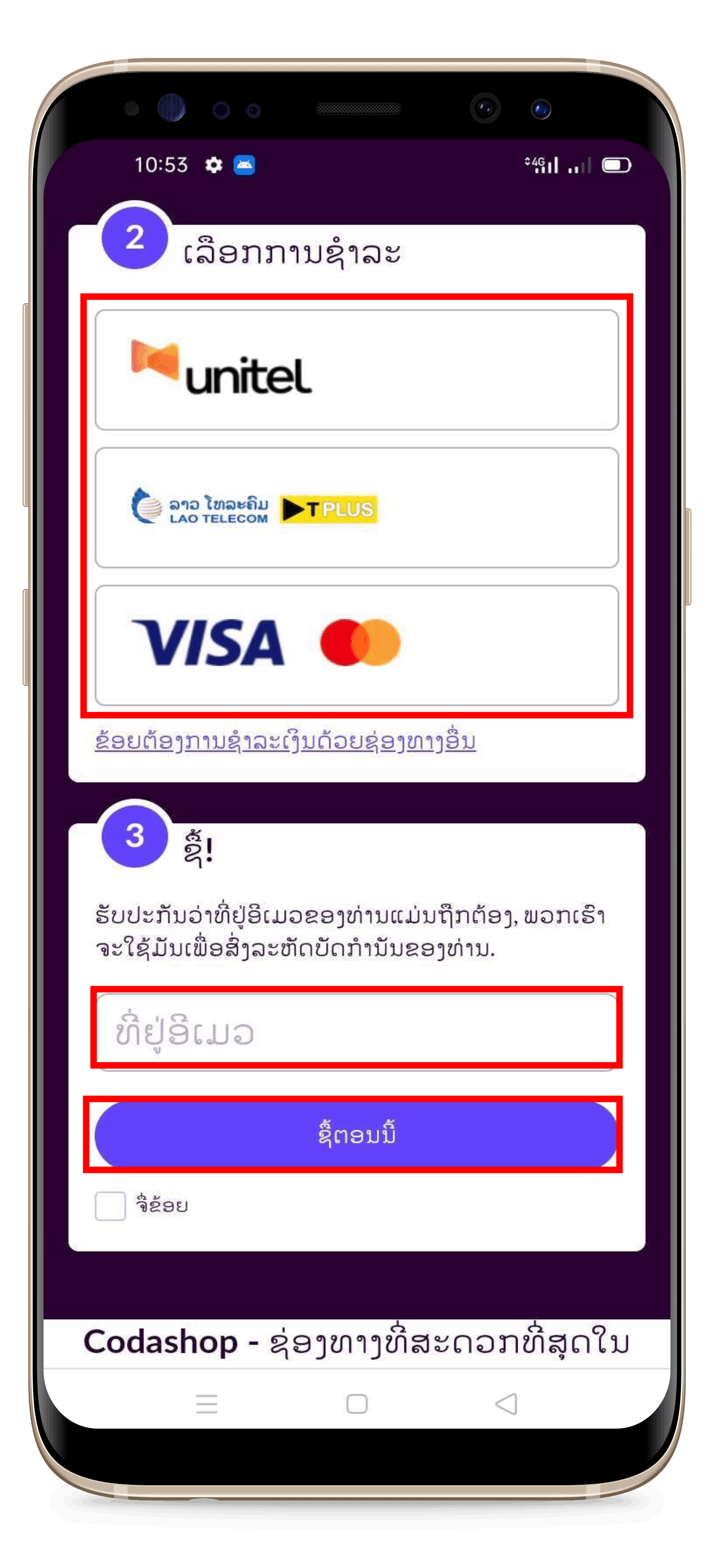
You can check the prices, how to buy, and how to redeem Garena cards for Free Fire here.
 |
|
 |
|
 |
|
 |
|
 |
-
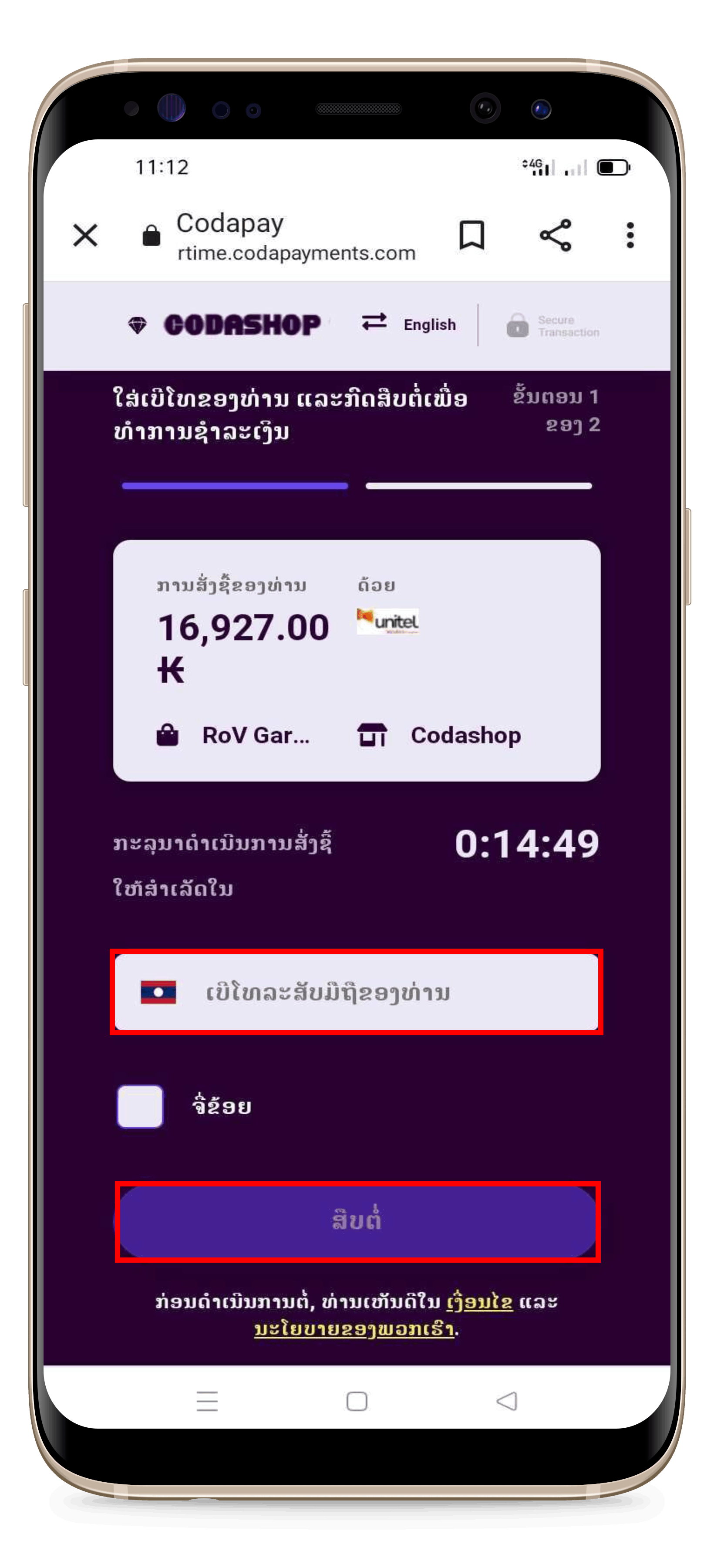
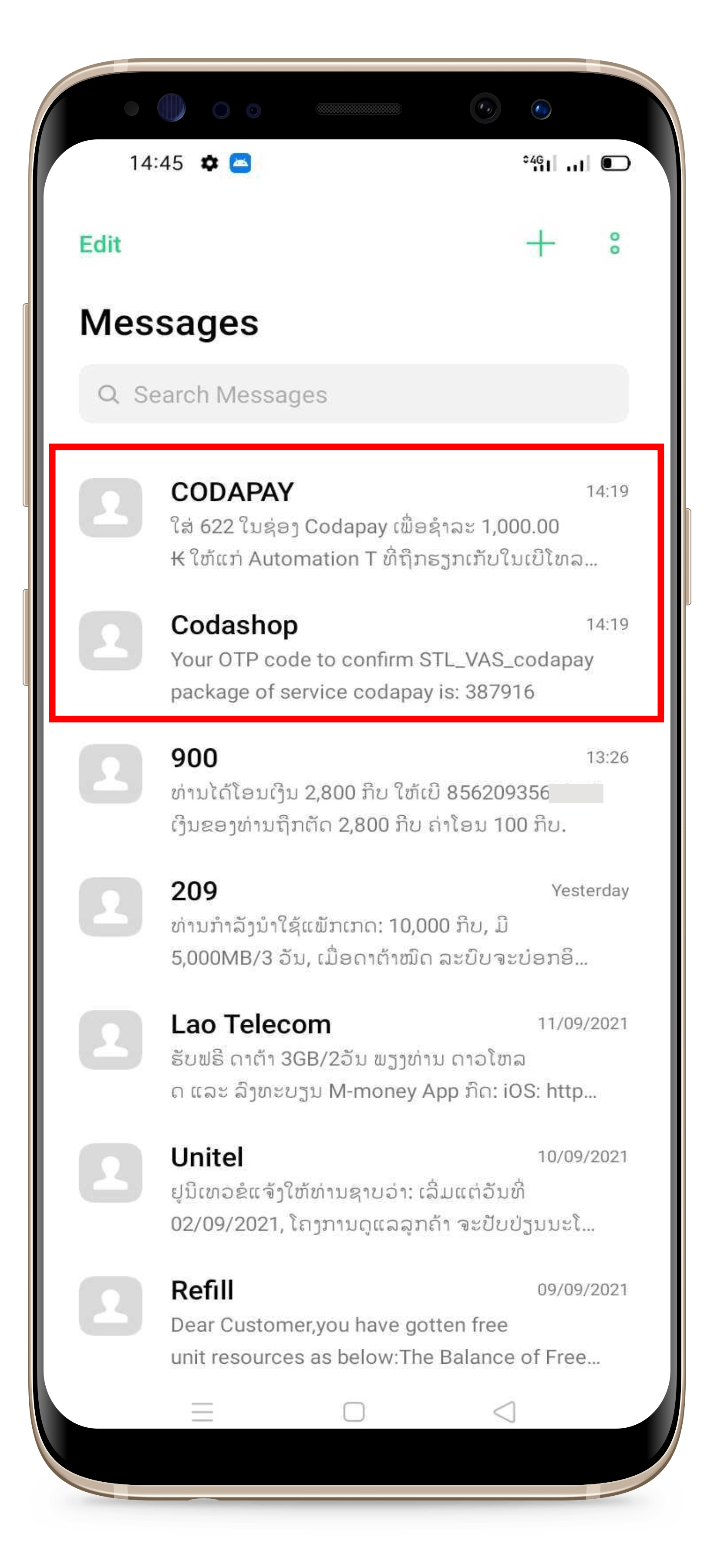
If paying with phone numbers starting with 5 or 7, you will receive the code in an SMS from "Codapay".
-
If paying with phone numbers starting with 9, you will receive the code in an SMS from "Codashop".
-
Enter the OTP code on the order page and click "Confirm".
|
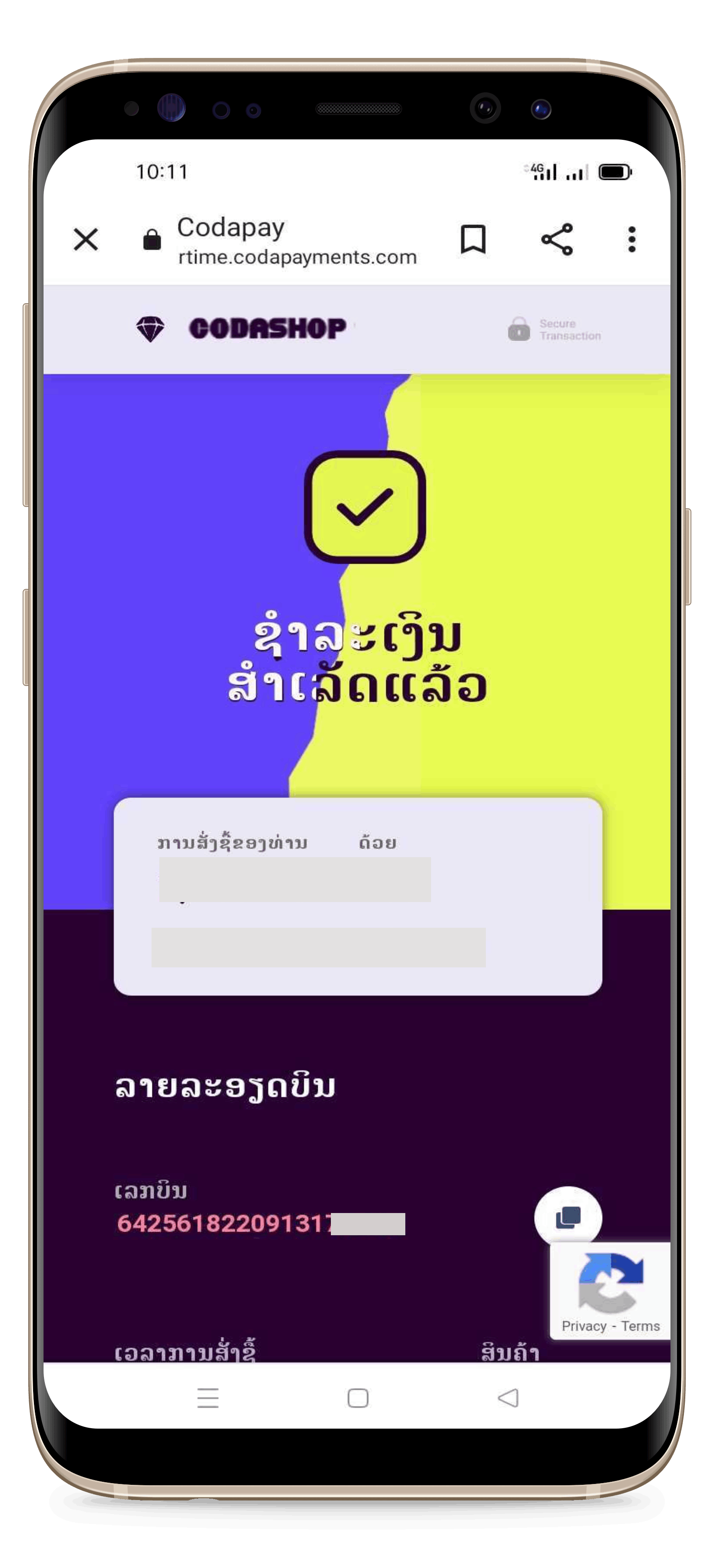 |
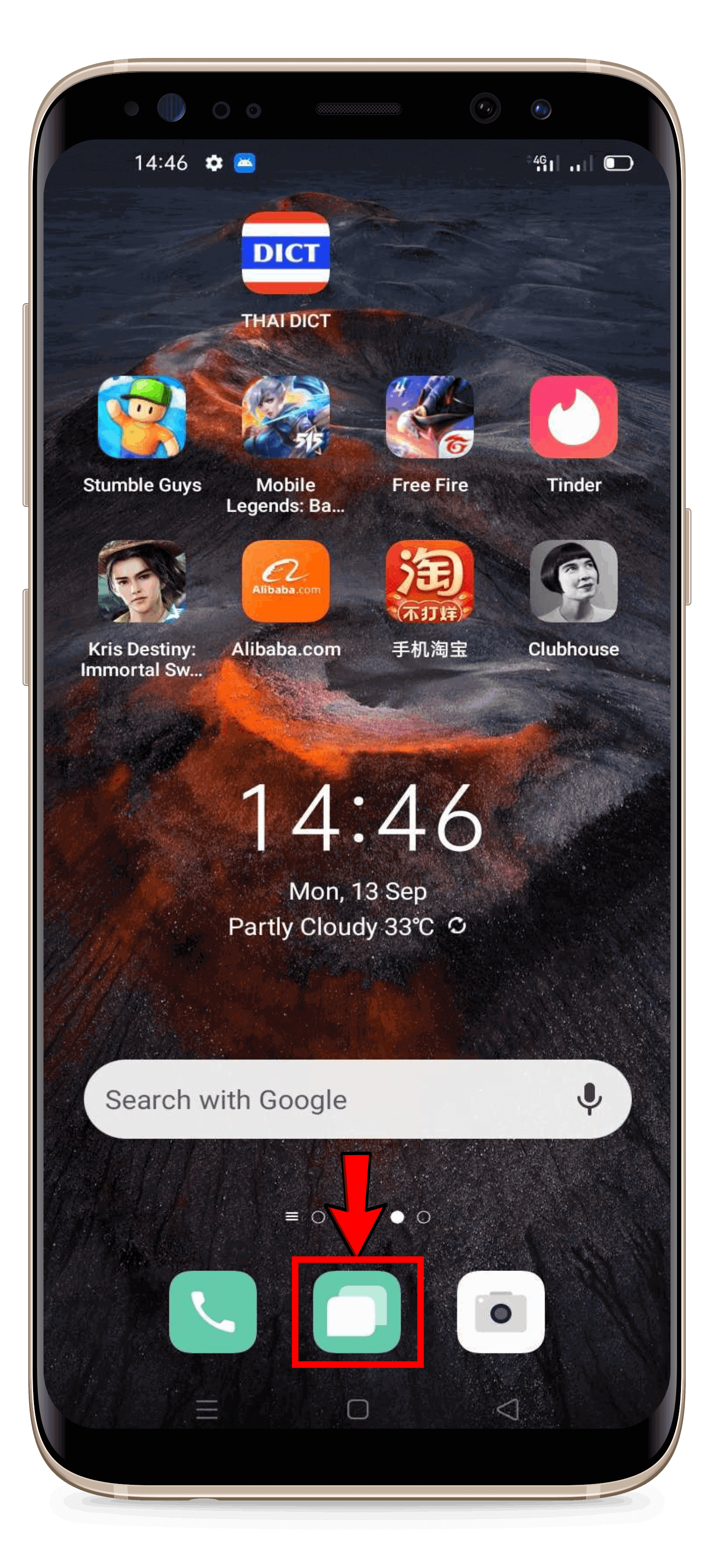
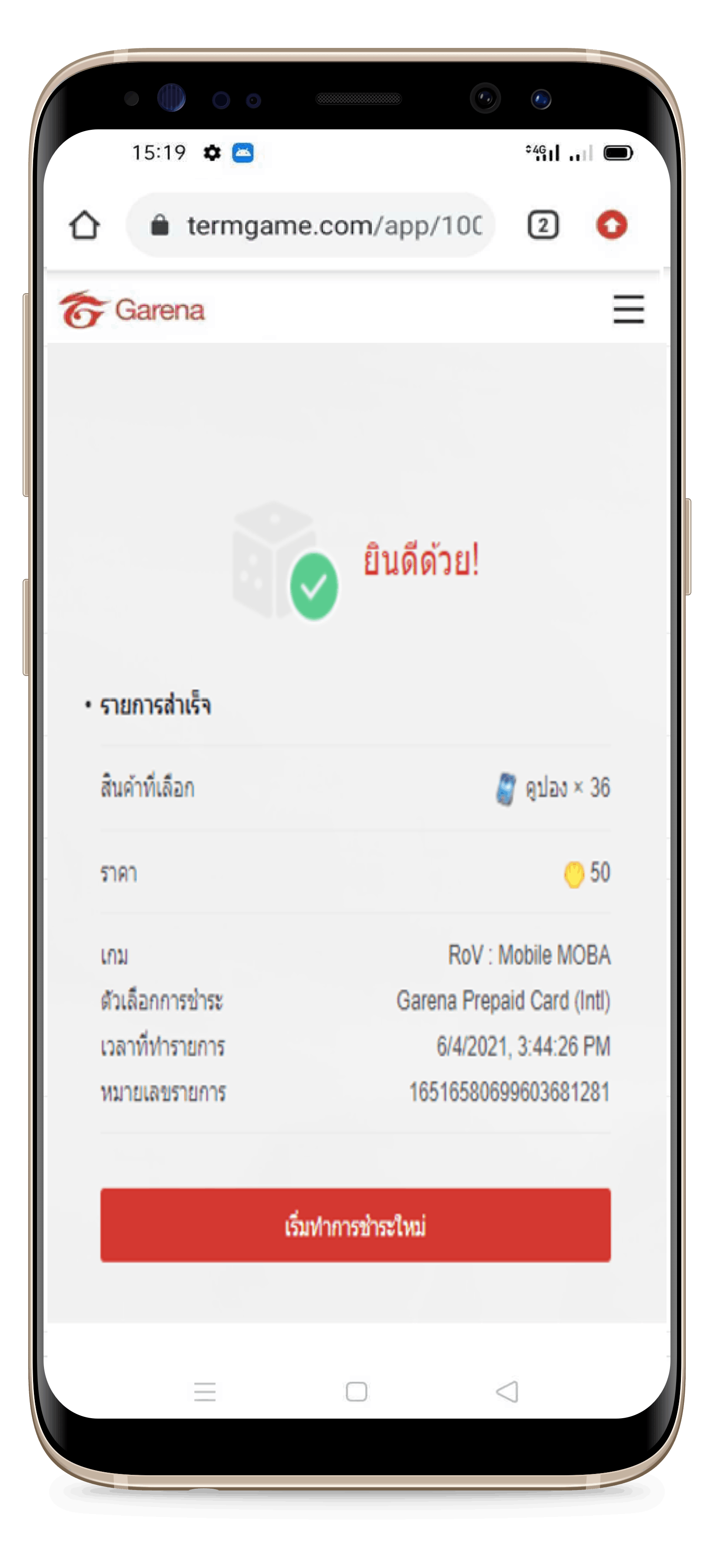
- Your order is complete. Return to the store and check your Garena code in the SMS message on your phone.
Click the button below to check the payment method.
|
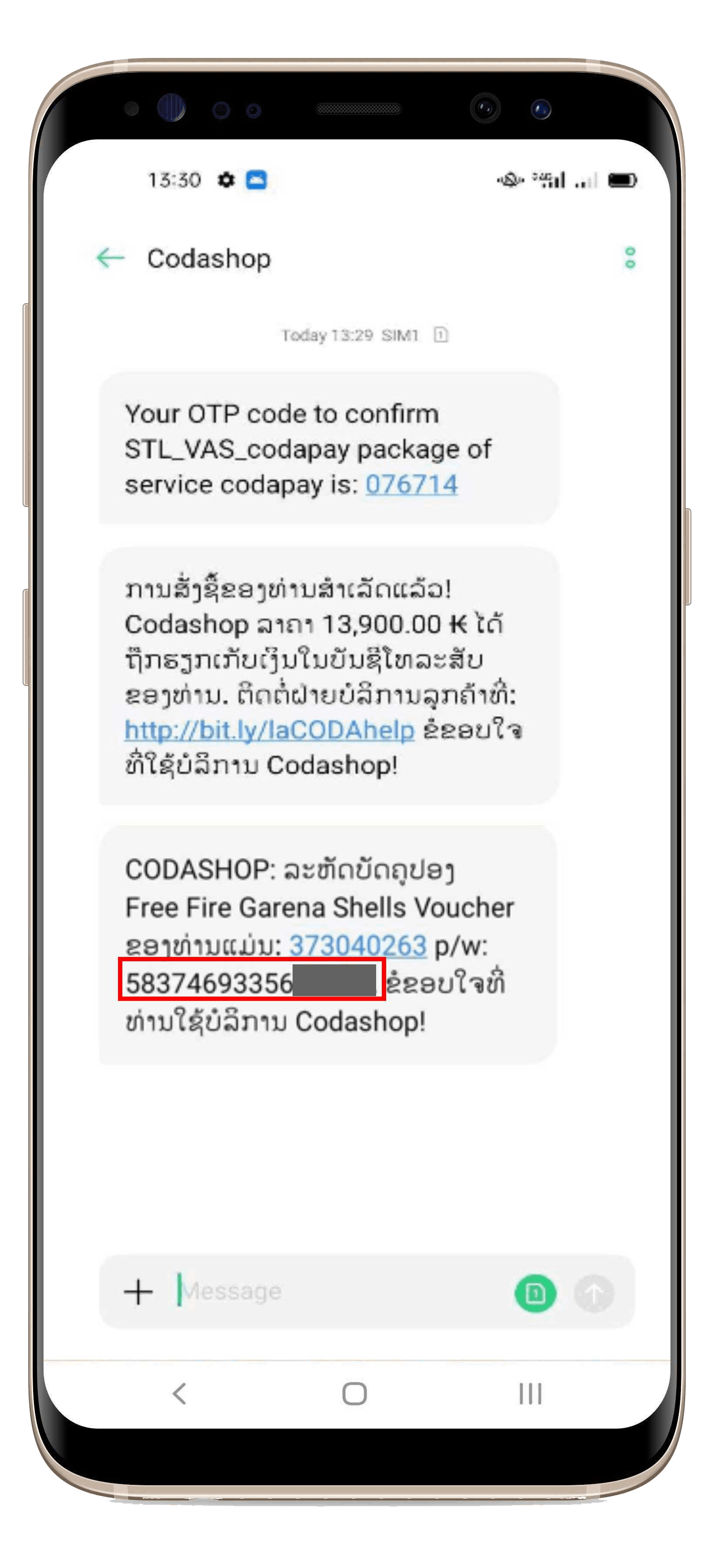 |
- You will receive a 16-digit Garena code via SMS on your phone (the Garena card code is the number that comes after p/w:).
|
Note: The 19-digit number you see after placing your order or in your email is the order invoice number, not your Garena code. Currently, Garena codes are only sent via SMS to your phone. They cannot be sent by email.
-
Payment via numbers starting with 9 (Unitel) → You will receive the Garena code via SMS named Codashop.
-
Payment via numbers starting with 5, 7 (Lao Telecom) → You will receive the Garena code via SMS named Codapay.
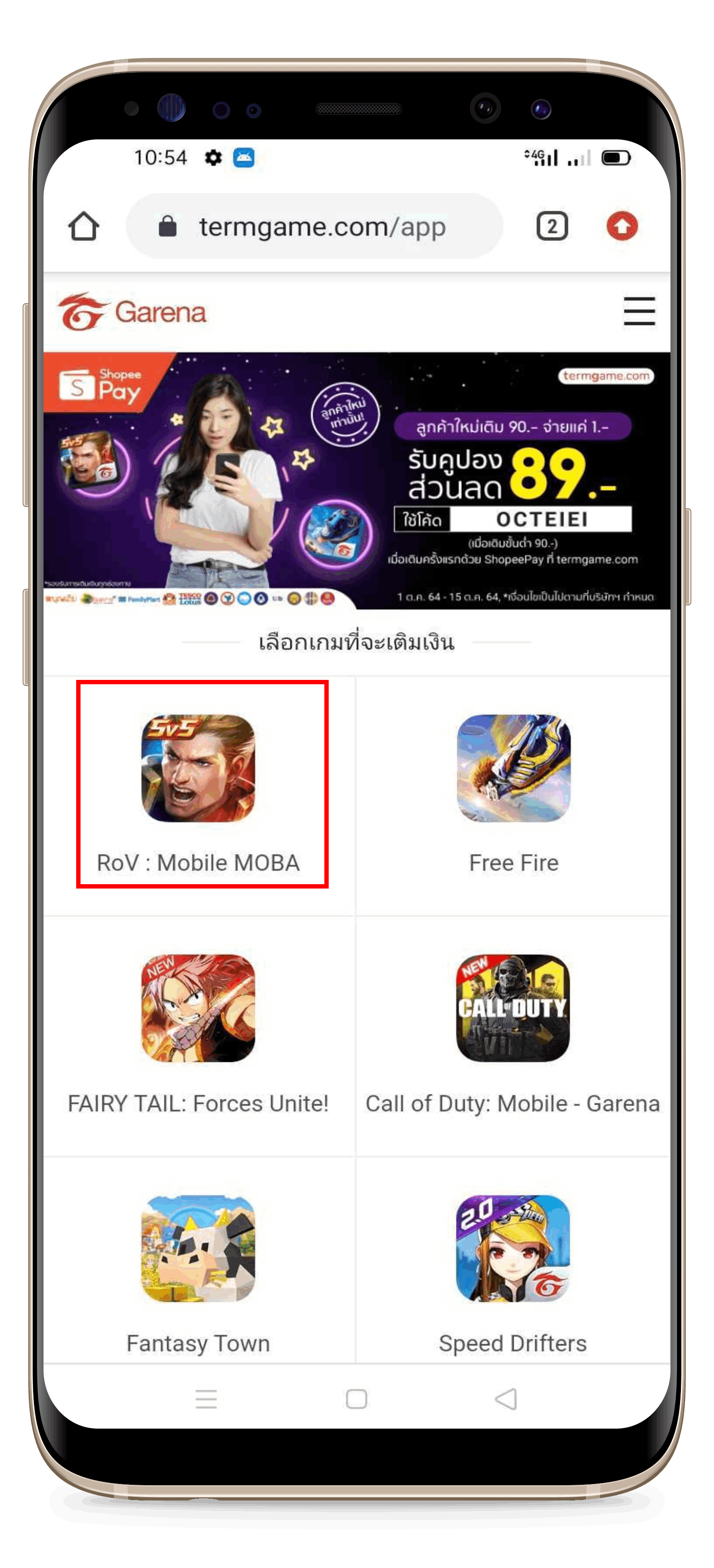
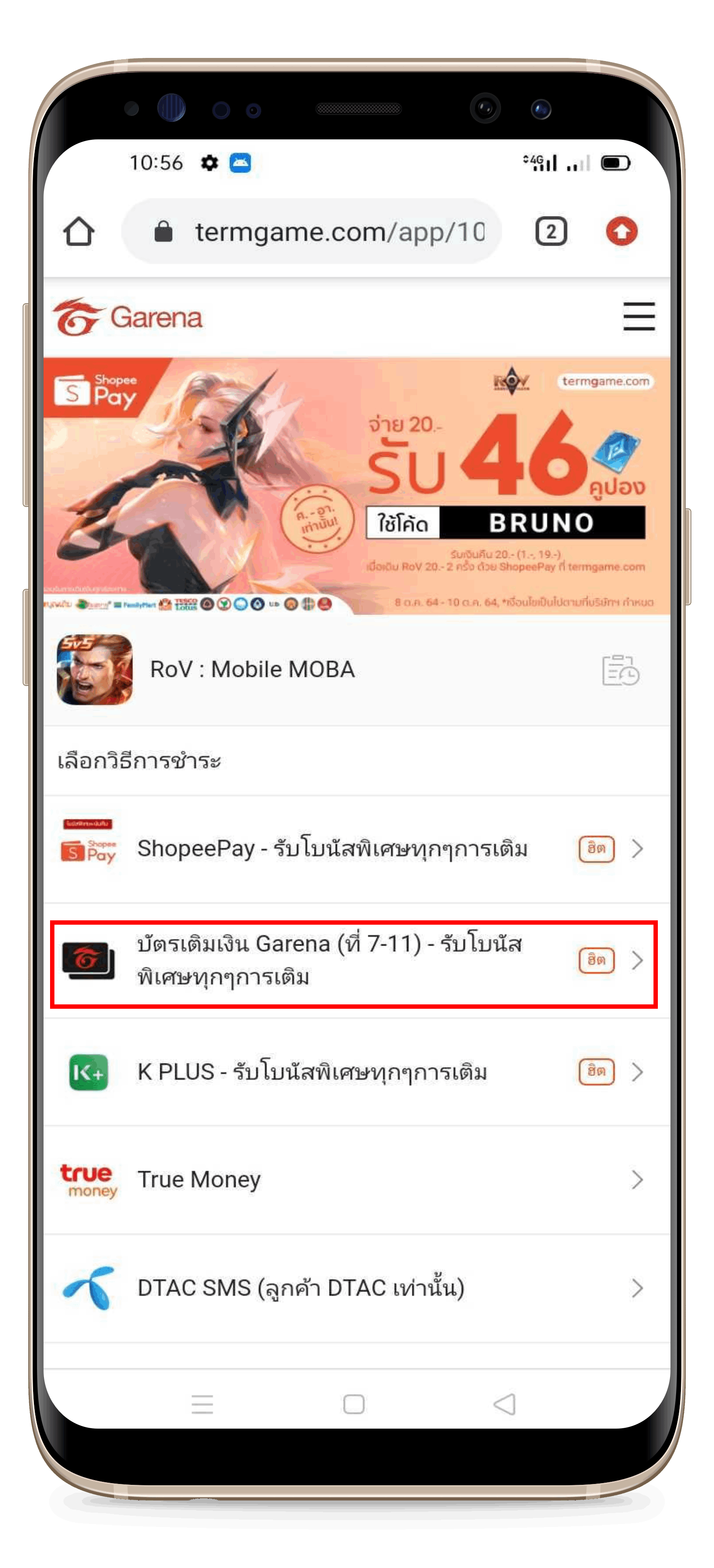
Steps to Redeem the Garena Card into a Voucher for Arena of Valor (RoV):
Go to the Thai Garena website here:
 |
|
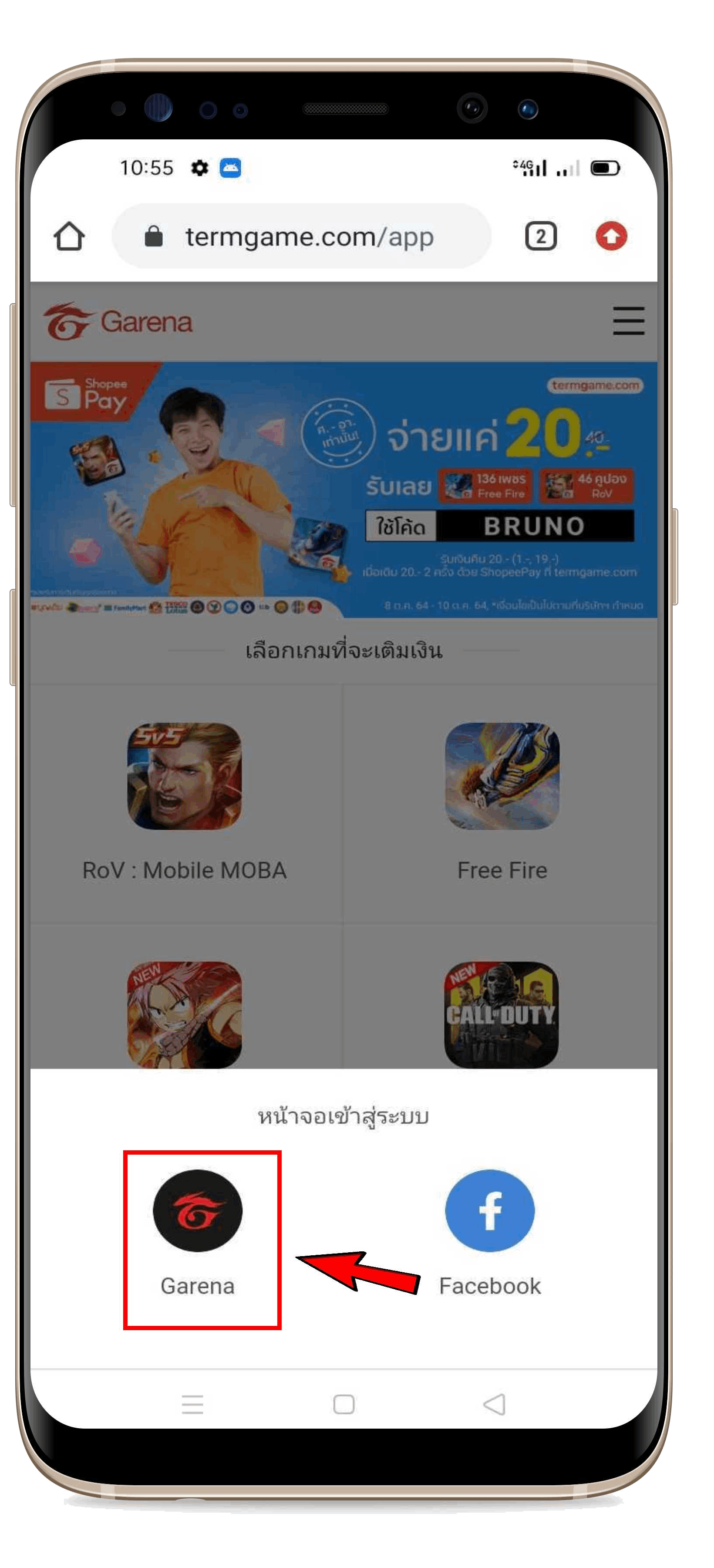 |
|
 |
-
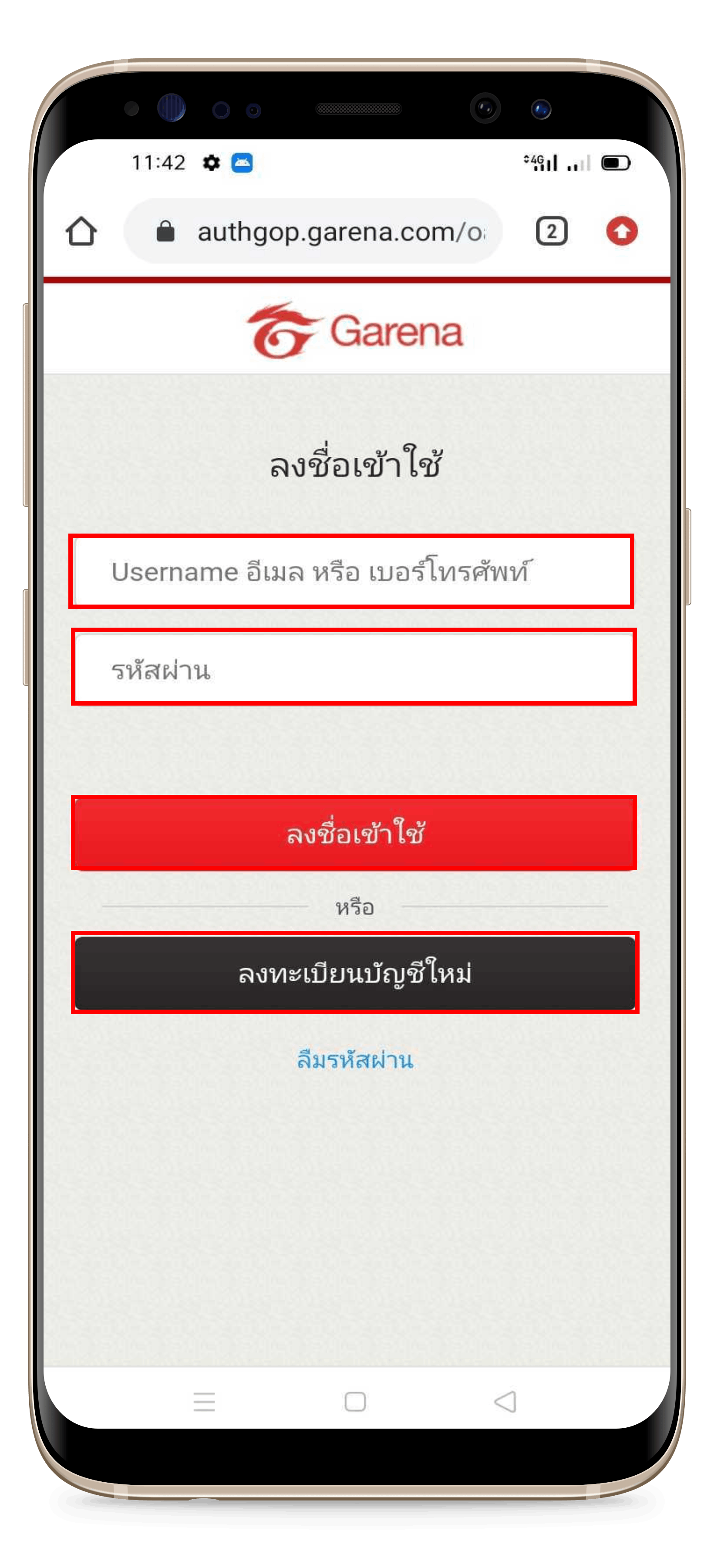
Enter your account details.
-
Click Sign In (If you don’t have an account, click Register a new account).
-
Click I’m not a robot.
-
Complete the image verification correctly. The system will tell you which pictures to select, and they will keep changing if you click incorrectly or too slowly.
Example: If the system asks you to select Bicycles, you must select all bicycle images.
|
 |
|
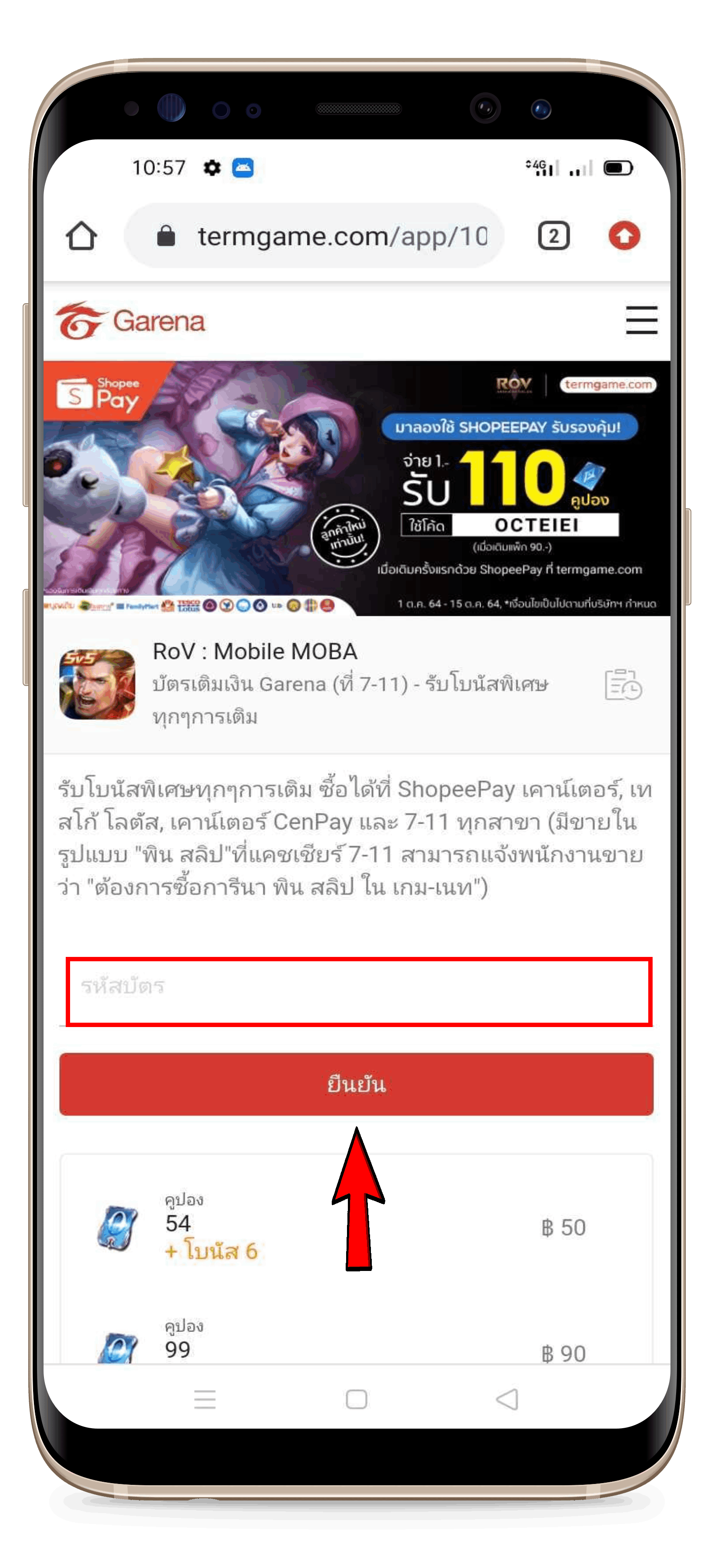 |
- Enter your Garena code.
- Click Confirm.
- If the system asks for a verification code, enter the alphanumeric code (capital letters only) shown below the Garena code field. The code will change every time you enter it incorrectly or too slowly.
Example: 6WXF9H
|
 |
|
Note: Since the Garena card price on our website and on the redemption site may differ, we cannot confirm the exact exchange rate.
